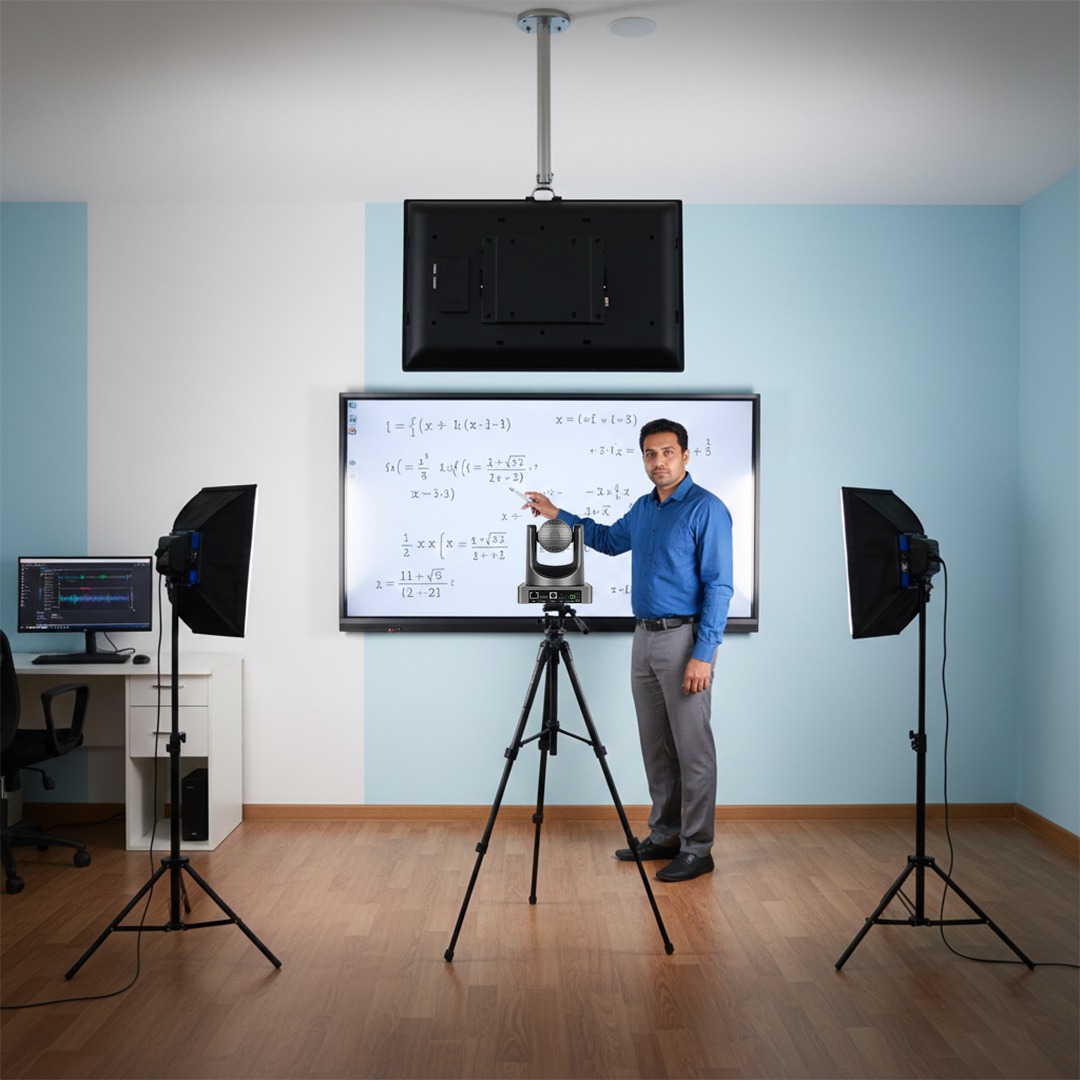
Separate lecture capture, studio recording and live streaming
Start by defining the content: classroom lectures, training sessions, demonstrations, presentations or institutional communication. Identify the presenter, audience and operator. A classroom used for everyday teaching, a dedicated recording studio and an event streamed to remote viewers have different production and operating needs.
List the required sources, such as a presenter camera, audience view, computer presentation or document camera. Specify whether the institution needs a combined programme recording, individual source recordings or both, and whether streaming is part of the requirement. Confirm the required recording and streaming outputs on the proposed configuration.
Review speech, lighting, signal flow and operator control
Assess the room's background noise, reverberation, microphone positions and lighting before focusing on camera resolution. Define how presentation material enters the system and how the operator checks the sound and picture. If several sources are required, ask for a clear signal-flow diagram covering switching, recording, monitoring and the intended streaming destination.
Agree which tasks should use presets and which need an operator. Demonstrate the start, pause, source-change and stop sequence using representative content. Test the proposed workflow with the intended presentation software and institutional network, and document any account, licence or connectivity dependencies before accepting the configuration.
Make the recording useful after the session
A recording brief should include file naming, storage ownership, access permissions, backup and the intended publishing workflow. Confirm export formats and check a sample recording on the institution's intended viewing devices. Where learner or customer identities appear, establish the permissions needed for internal use, public publishing and any later promotional use.
Compare proposals on the tested output, operator training, documentation, storage assumptions and the support terms actually offered. In your enquiry, describe the room, content formats, presentation sources, operator experience, recording or streaming requirements and where the finished material will be used. This keeps the discussion focused on a workable institutional content process rather than an isolated camera purchase.
Plan the connected requirements
Video collaboration rooms →Use the meeting-room solution when the main requirement is live two-way collaboration rather than content production.